
AFileCommander
Files on your Mac, Android phone and servers. Side by side, in two panes.
macOS 14 or later · Apple silicon and Intel
AFileCommander is coming soon to the Mac App Store.
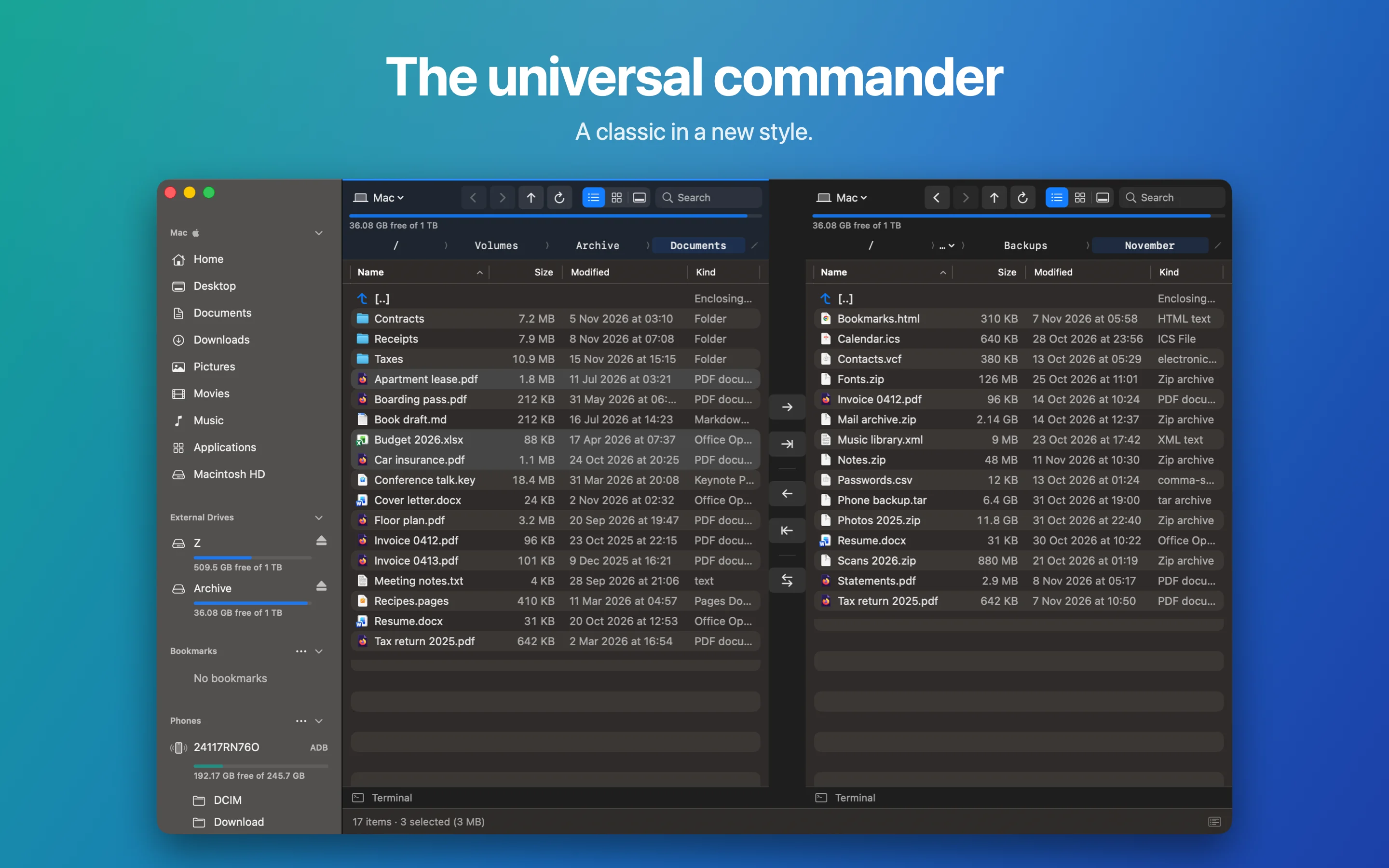
From one folder to another.
AFileCommander brings the familiar two-pane file manager to macOS. Browse folders side by side, use keyboard shortcuts and preview files with Quick Look. Connect an Android phone over USB, open an SMB share or work with a remote folder over SSH.
The app runs on your Mac, with no account, analytics or advertising. Your files stay on your devices and the servers you choose.
A closer look
Select a screenshot to see it at full size.
Screenshots show the English interface.
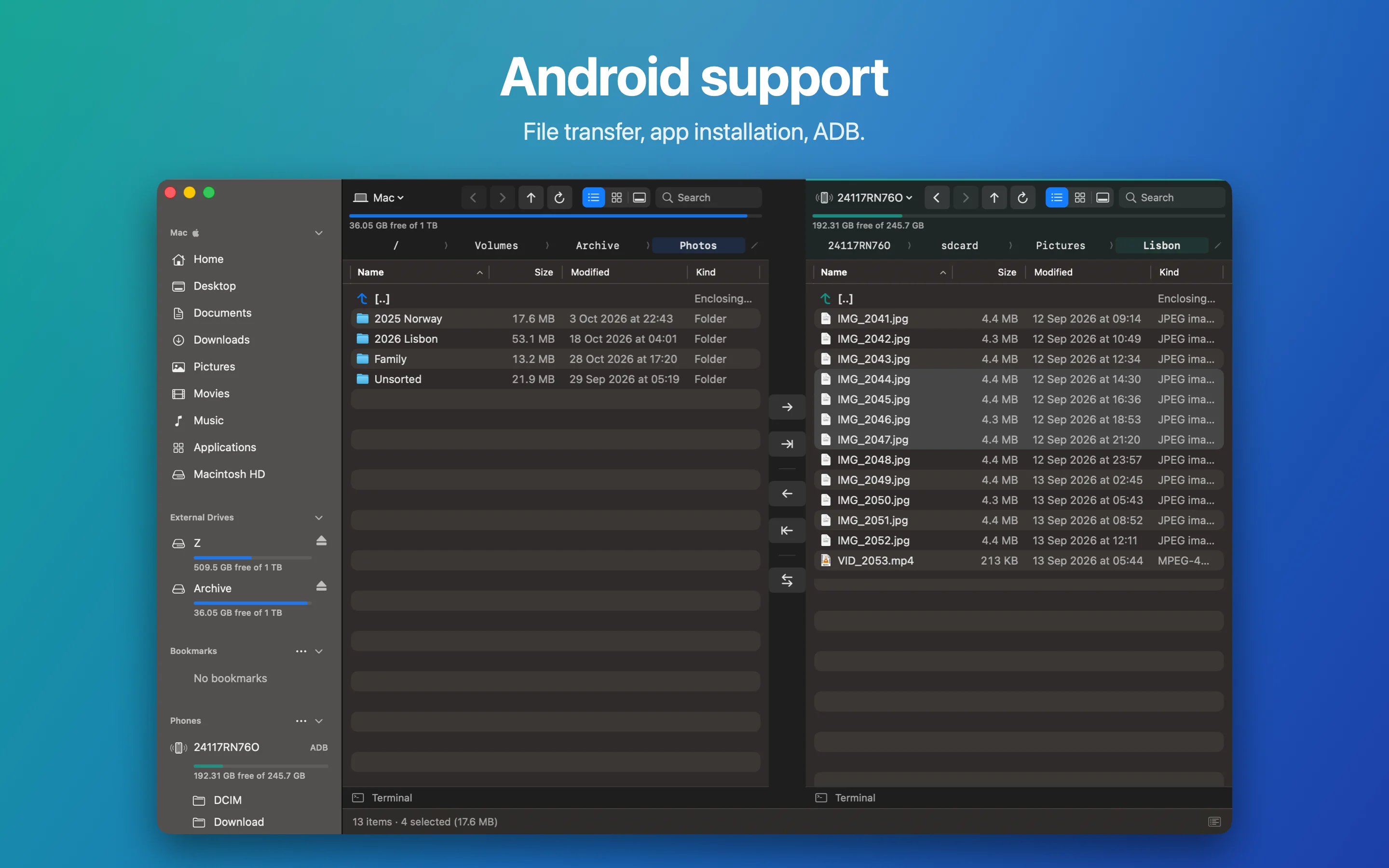
Your phone, connected by USB
Transfer files in Android’s File transfer mode. Enable USB debugging for ADB features such as APK installation and taking a screenshot.
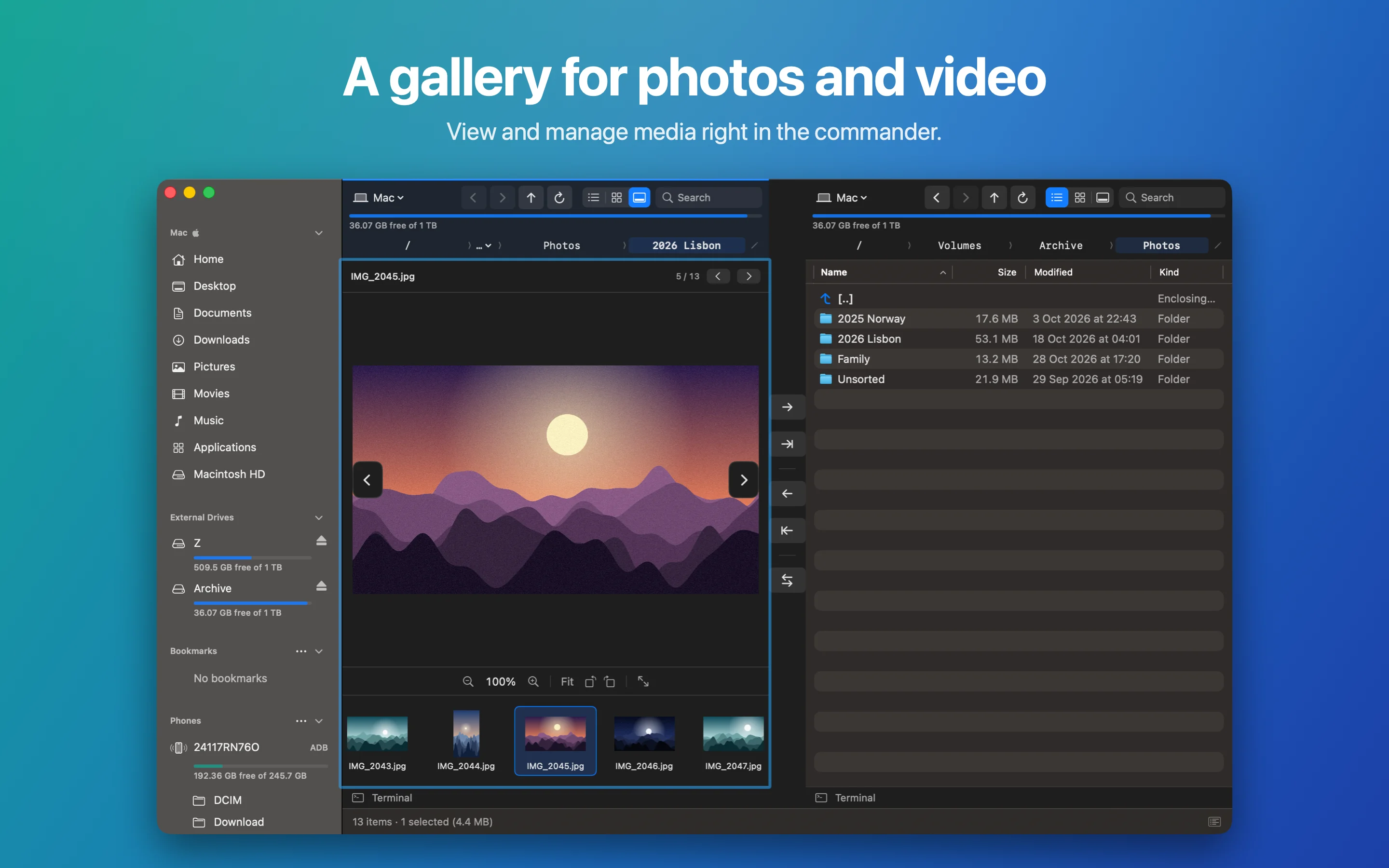
Find a file by looking
Switch between list, icon and gallery views. Quick Look lets you inspect a file before opening it.
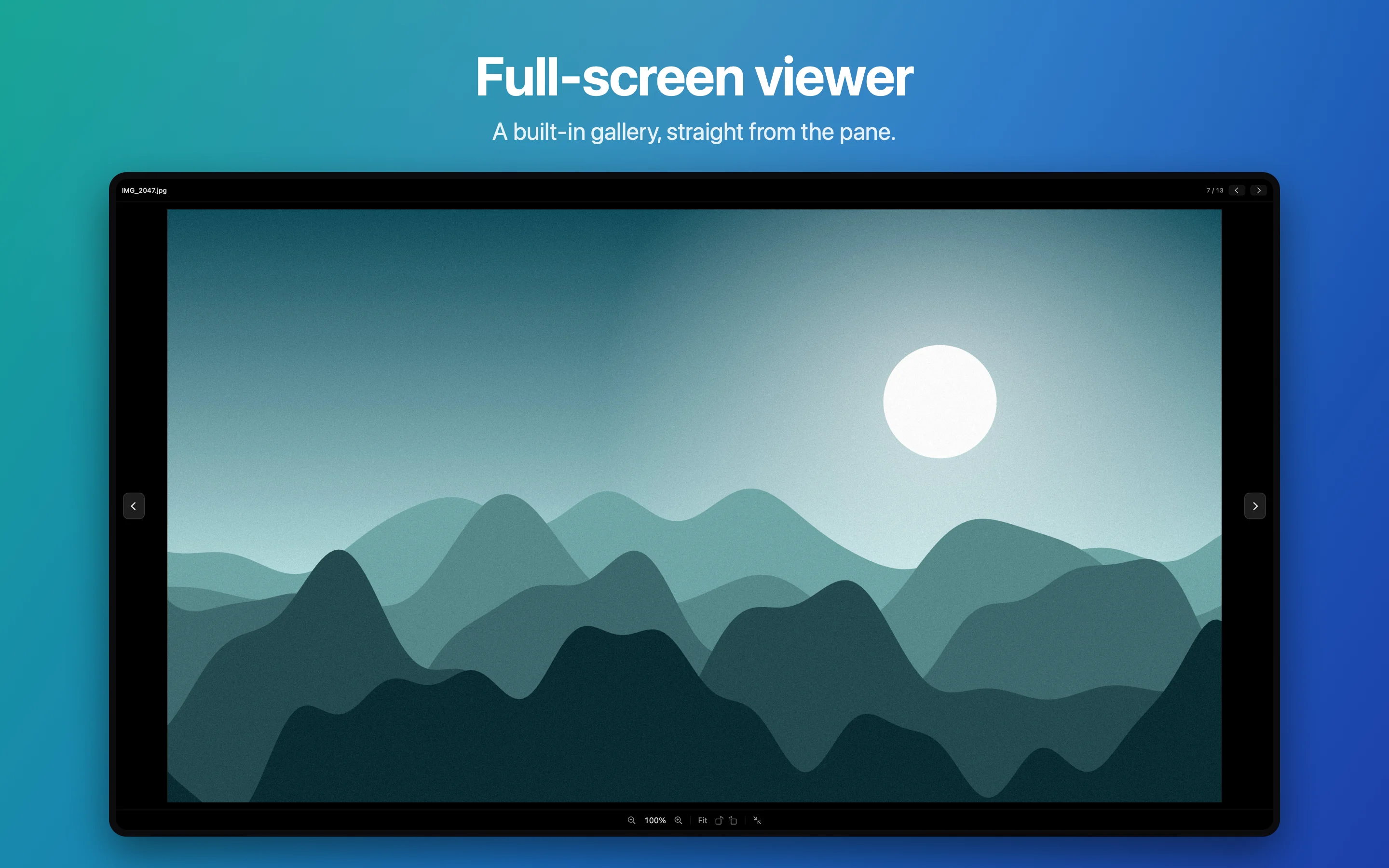
Room for photos and video
Open media in a full-screen viewer, then return to your files.
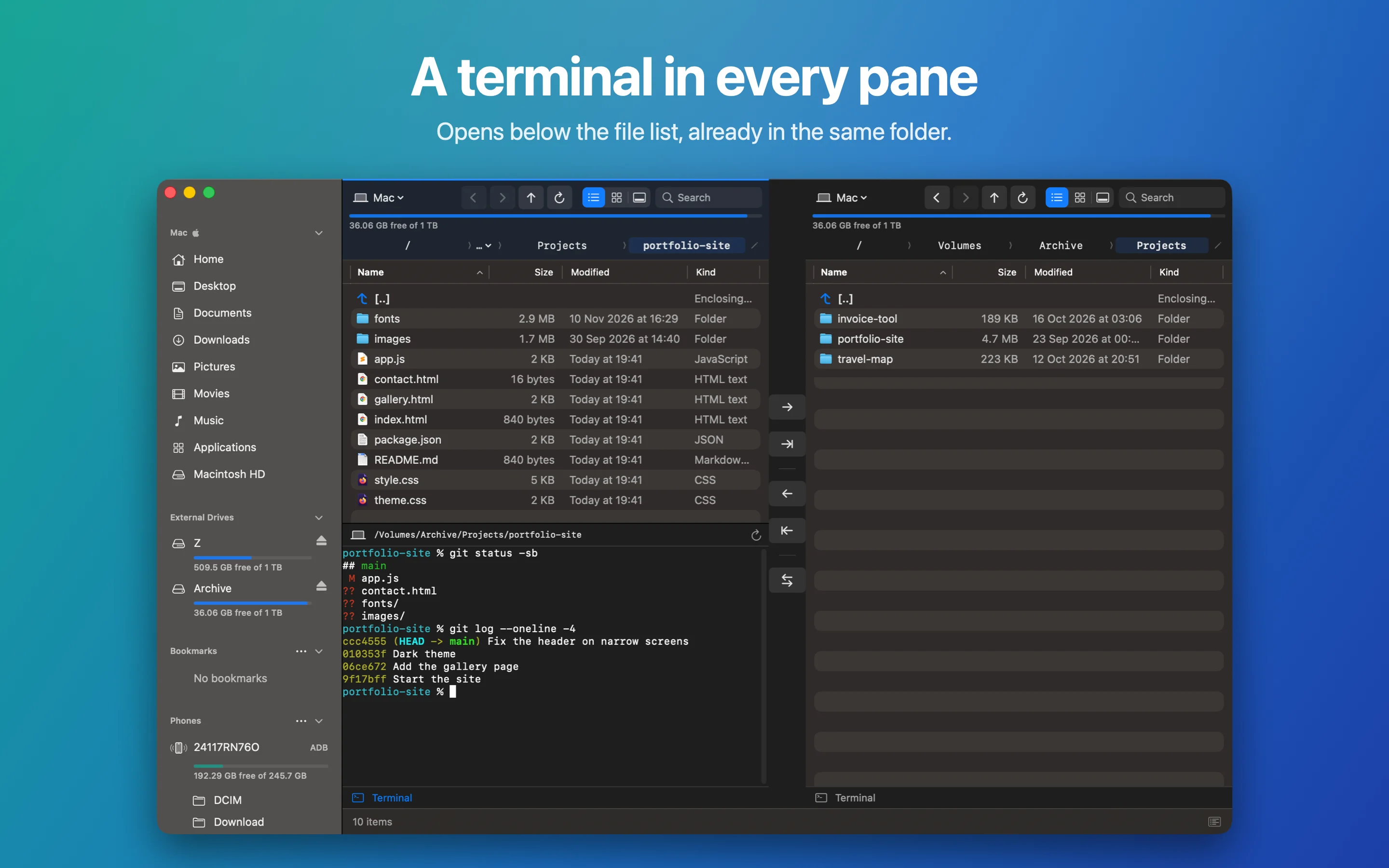
A terminal beside your files
Open the terminal for the active panel when a task is easier with a command.
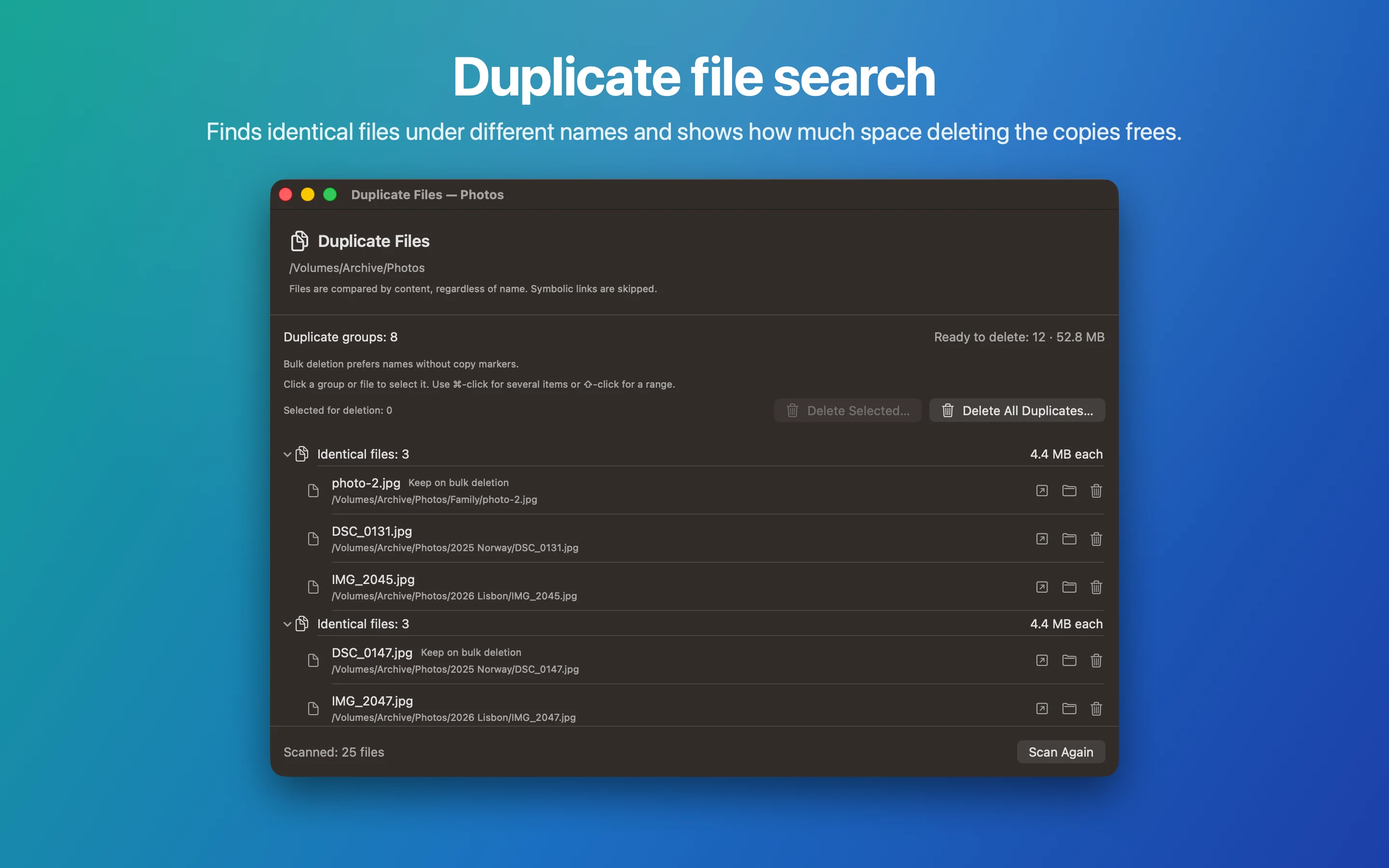
Review duplicate files
Compare copies and check which file will be kept before confirming removal.
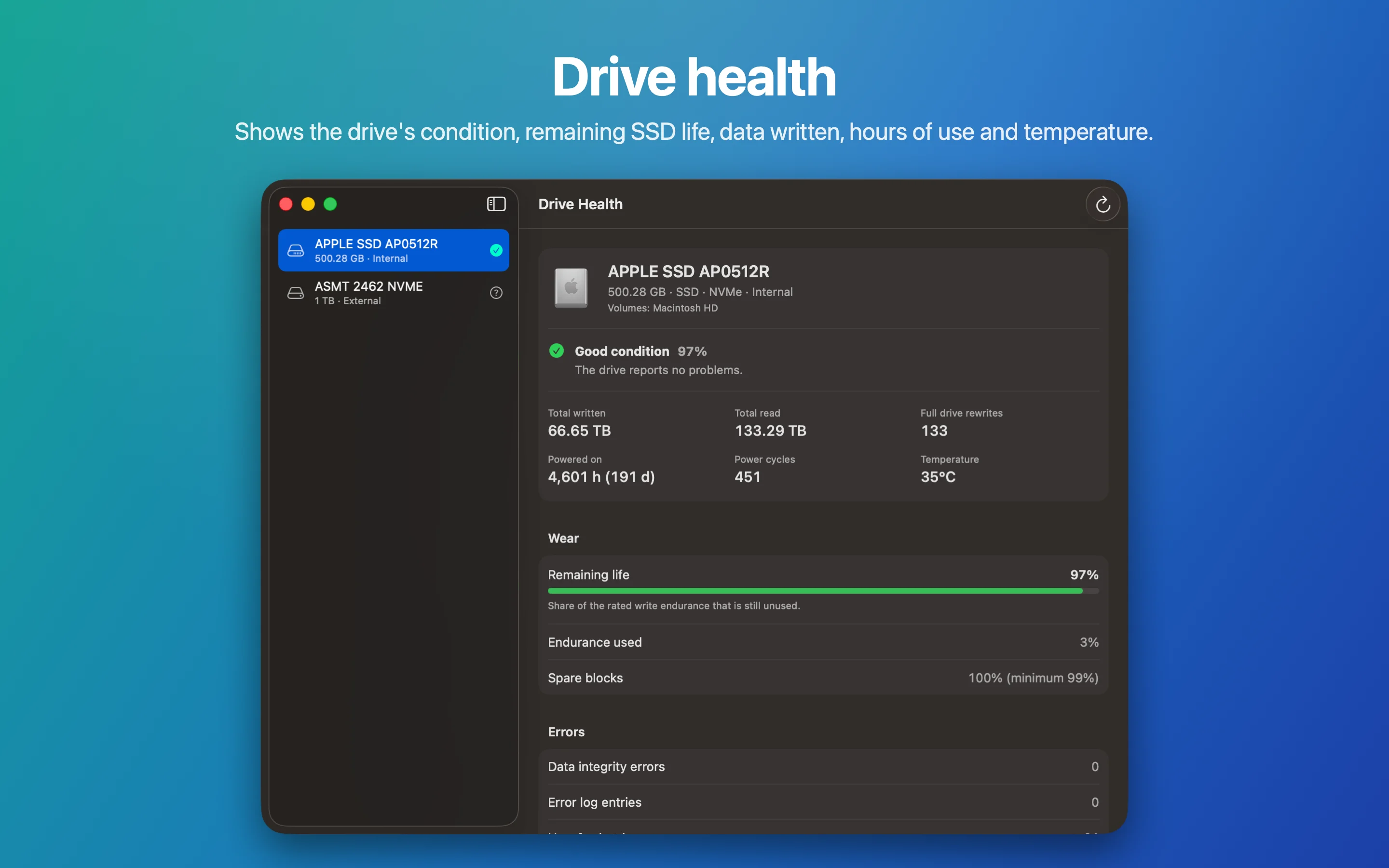
Check your drives
See the health information that macOS makes available. SMART data is not available through USB enclosures.
Before you start
AFileCommander requires macOS 14 or later and supports Macs with Apple silicon or Intel processors.
On first launch, choose Grant Access with your startup disk selected. For help connecting a phone or server, visit the support page.
AFileCommander support · AFileCommander privacy
Third-party components
AFileCommander includes adb from Android platform-tools (Apache 2.0) and SwiftTerm (MIT). Their copyright and licence notices are included in the app.